
I laid out 4 medium Command Strips on the top of the box – both horizontally and vertically like this.

When you remove the sticky backing, you have to press and hold the strip in place for 30 seconds.
Once that’s done – offer it up to the space behind the TV just to double check it’s where you want it. You need to have the connectors facing the ground and the front of the box facing upwards ideally.
When you’re happy it’s in the best position possible, remove the backing strips and press and hold the Sky Q Mini box in position. Ideally press and hold in the area of each strip for 30 seconds. Once you’ve managed to TV Mount your Sky Q Mini Box it’s best to leave it for a few hours to allow the adhesive to cure.

You’re Done!
Once you’re happy the box is firmly attached, hook up the HDMI and Power Cable. You might need to resync the Sky Q Mini box with the main Sky Q box. This is easy – press and hold the WPS button (the one with two arrows) on the front of the Sky Q box for a second. Then do the same with the button on the Sky Q Mini box.
Push the TV back in position and check everything works. Weirdly despite not being in a ‘line of sight’ the infra-red remote control of thy Sky Q Mini Box – it will still work perfectly! You don’t even have to use this method to TV Mount your Sky Q Mini Box. In theory it’ll work with any lightweight TV / set top box!
Update – 22/6/18
I’ve had my Mini Box mounted like this for ages now, and all is good! Since writing this guide you can now get a Q-View Sky Q Mini Box Wall Bracket in Black MWB-SKYQWB . You could apply the Command Strips to this instead and have it stuck to the back of the TV. This allows the box to be taken out, and replaced with ease, should you need it to. At nearly £30, the bracket isn’t cheap. However it might provide a bit more flexibility than the original solution.
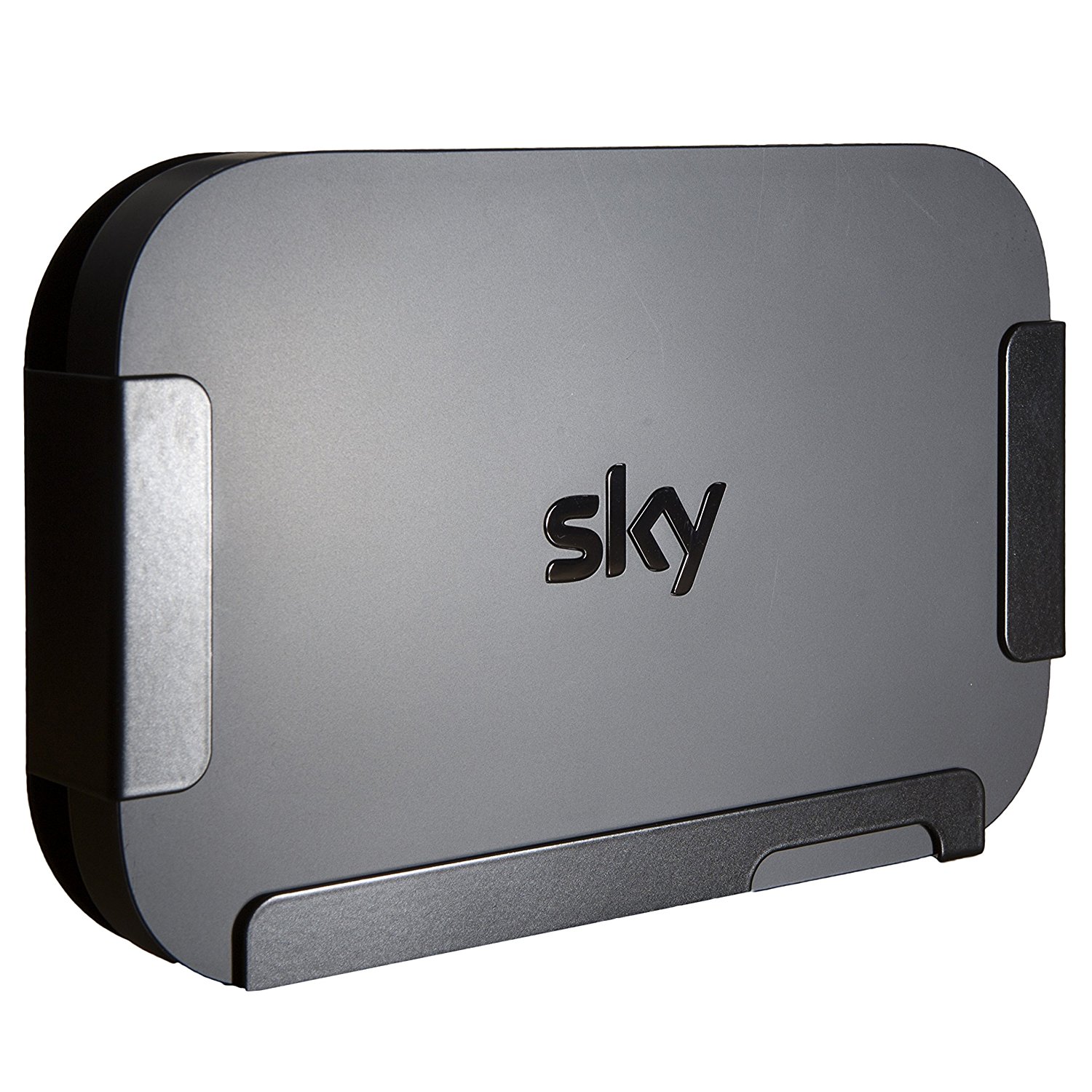
Any questions on how to TV Mount your Sky Q Mini Box – just drop them below.
- 1
- 2


Will it work for a sky q 2tb ?
In theory – yes – but the bigger boxes kick out more heat, and weigh more. Nothing to lose I suppose!
If my tv is too small to attach the mini box to, could I just stick it to the wall behind the to??
I guess so!
The remote is bluetooth not infrared so it will work outta sight
The remote with the ‘touch’ panel is Bluetooth, the other one, which is supplied with the mini box isn’t
May I ask why you mounted it with the top of the box attached to the TV rather than the bottom?
Of course – the top is flat, – the bottom isn’t, plus is hs 4 little feet in the corners raise it up too. Having the flat ‘top’ of the box against the flat of the TV seemed the most sensible.
Question….. does it matter the box isn’t flat from a wifi point of view??
I don’t think it’s the end of the world – I get a good signal on mine!
Hello, can the Sky Q mini box be powered from the USB connection on my TV? I power other devices on it such as my Rasberry Pi etc
No… It needs a full on 240v.
in ref to a post above..if the mini box is attached behind the tv, does it block the remote signal?
No!
Hi Kip, I am having a t v wall mount variable tilt fitted tomorrow but it says it only comes out from the wall to a max of 65 mm is his enough space for my Sky Q mini box in my bedroom t v set up to use the strips you suggested previously make is Ross new series mount for 32 -50 inch t v which my bedroom 1 is any suggestions or advice much appreciated Kip
I’m pretty certain that should be fine
Do i need a Bluetooth remote for this to work?
No.. I have the standard IR one and it works
Pingback: How To Invisibly Mount a Sky Q Mini Box on your TV! (Or any set-top box!) - Kip Hakes
Is the heat generated from the tv and mini box too much for the command strips?